Locum Profile (After Login)
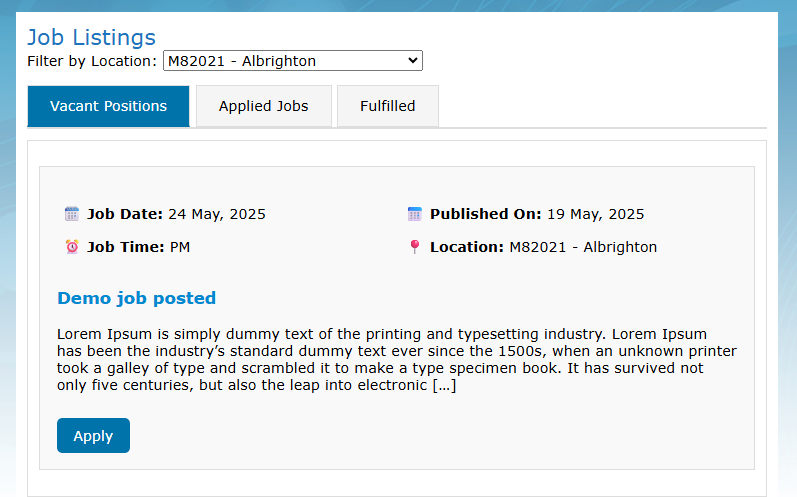
After logging in, Locums will see three tabs on the job listing page:
Vacant: Displays all available jobs open for application.
Applied Jobs: Shows all the jobs the Locum has applied for.
Fulfilled: Lists jobs where the application has been accepted by the Practice user.